
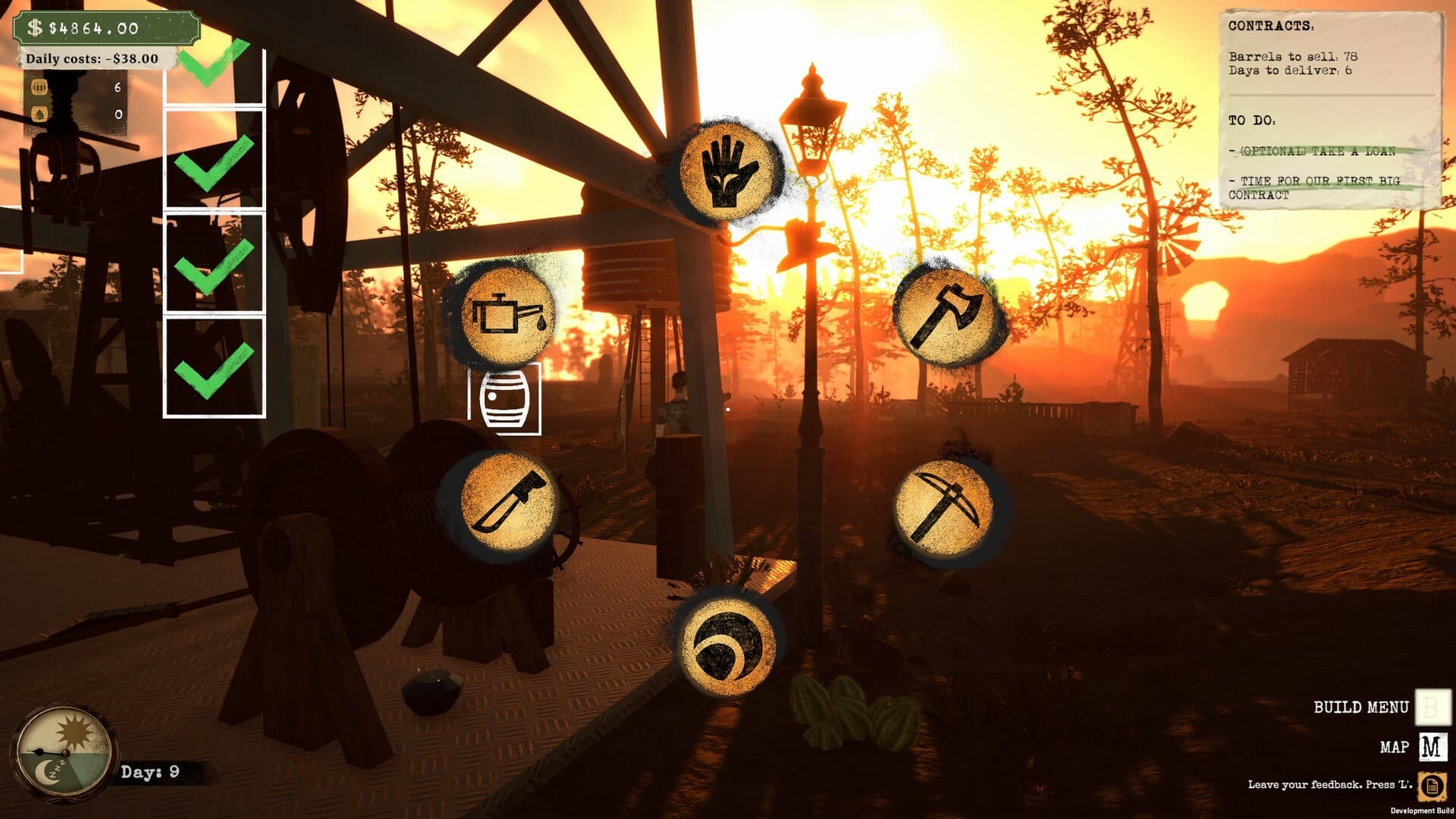
Settings & Controls Guide
Use settings to make field information readable and input dependable before diagnosing gameplay. Current public sources do not document every option, so verify labels in your build and change one graphics, control or audio setting at a time.
The field decision
Use settings to make field information readable and input dependable before diagnosing gameplay. Current public sources do not document every option, so verify labels in your build and change one graphics, control or audio setting at a time.
Official current-build and patch facts are cited below. Suggested checks are editorial guidance; historical demo sources retain their original dates.
Quick facts
- Brightness is in the Options menu.
- The slider was added in response to player feedback.
- The August 2026 update says the interface was redesigned for clarity.
- Streamer Mode is a verified quality-of-life option.
- Controller support remains unverified on the current full-game listing.
- Performance reports need hardware, build and setting context.
Current-build changes: 1.0.1
Open the Options menu and use the Brightness slider added in 1.0.1 if the field is too dark to read. Compare the same scene before and after a small adjustment, including both shadow detail and bright areas. The developer confirms the menu and control, but does not give a recommended numeric setting or say the slider changes the day/night schedule.
Walkthrough
- 01
Read the field
Record the current resolution, quality and control state before changing it.
- 02
Stabilize the bottleneck
Change the single setting connected to the visible problem.
- 03
Record the result
Return to the same field scene and compare responsiveness or readability.
- 04
Choose the next move
Keep the change only if the effect is repeatable and no new issue appears.
Read the system before acting
| Observed symptom | Official 1.0.1 context | Suggested next check |
|---|---|---|
| Too dark | Brightness control added | Adjust in Options |
| The August 2026 update says the interface was redesigned for clarity | The August 2026 update says the interface was redesigned for clarity. | Record the current resolution, quality and control state before changing it. |
| Streamer Mode is a verified quality-of-life option | Streamer Mode is a verified quality-of-life option. | Change the single setting connected to the visible problem. |
| Controller support remains unverified on the current full-game listing | Controller support remains unverified on the current full-game listing. | Return to the same field scene and compare responsiveness or readability. |
| Performance reports need hardware, build and setting context | Performance reports need hardware, build and setting context. | Keep the change only if the effect is repeatable and no new issue appears. |
Common mistakes
- Applying pre-patch advice to black gold too dark? brightness settings without comparing the corrected behavior.
- Treating an editorial troubleshooting step as an officially tested workaround.
Current context: patch 1.0.1. Historical demo mechanics remain qualified; check the source ledger before treating them as current-build behavior.
Frequently asked questions
What is the first thing to check for Settings & Controls?
Record the current resolution, quality and control state before changing it.
Does this guide use official hidden formulas?
No. Black Gold Wiki does not publish guessed prices, production rates, worker coefficients or upgrade costs.
How current is this information?
Current release and patch sources were checked on 13 September 2026; older demo citations retain their original source dates. Patch-sensitive details are marked and should be rechecked after launch updates.
Sources
- Black Gold: Oil Drilling Simulator on Steam ↗
Official released full-game listing. Release, US price, full-game requirements and partial controller support rechecked. Prices are dated snapshots.
Checked 13 September 2026 · verified-official - Black Gold: Oil Drilling Simulator Demo on Steam ↗
Official demo listing and current public description of gathering, building, machines, workers, upgrades, extraction and selling.
Checked 30 August 2026 · verified-official - Black Gold official announcements and updates ↗
Official 1.0.1 patch and Sep 10 release announcement, alongside dated development and demo history.
Checked 13 September 2026 · verified-official - Black Gold General Discussions ↗
Question and report index. Individual posts are leads, not confirmed defects or official mechanics.
Checked 13 September 2026 · community-reported - Official Patch Notes 1.0.1 — 11 September 2026 ↗
Latest patch observed in official update stream. Checks below are editorial troubleshooting, not claims of hands-on testing.
Checked 13 September 2026 · verified-official