
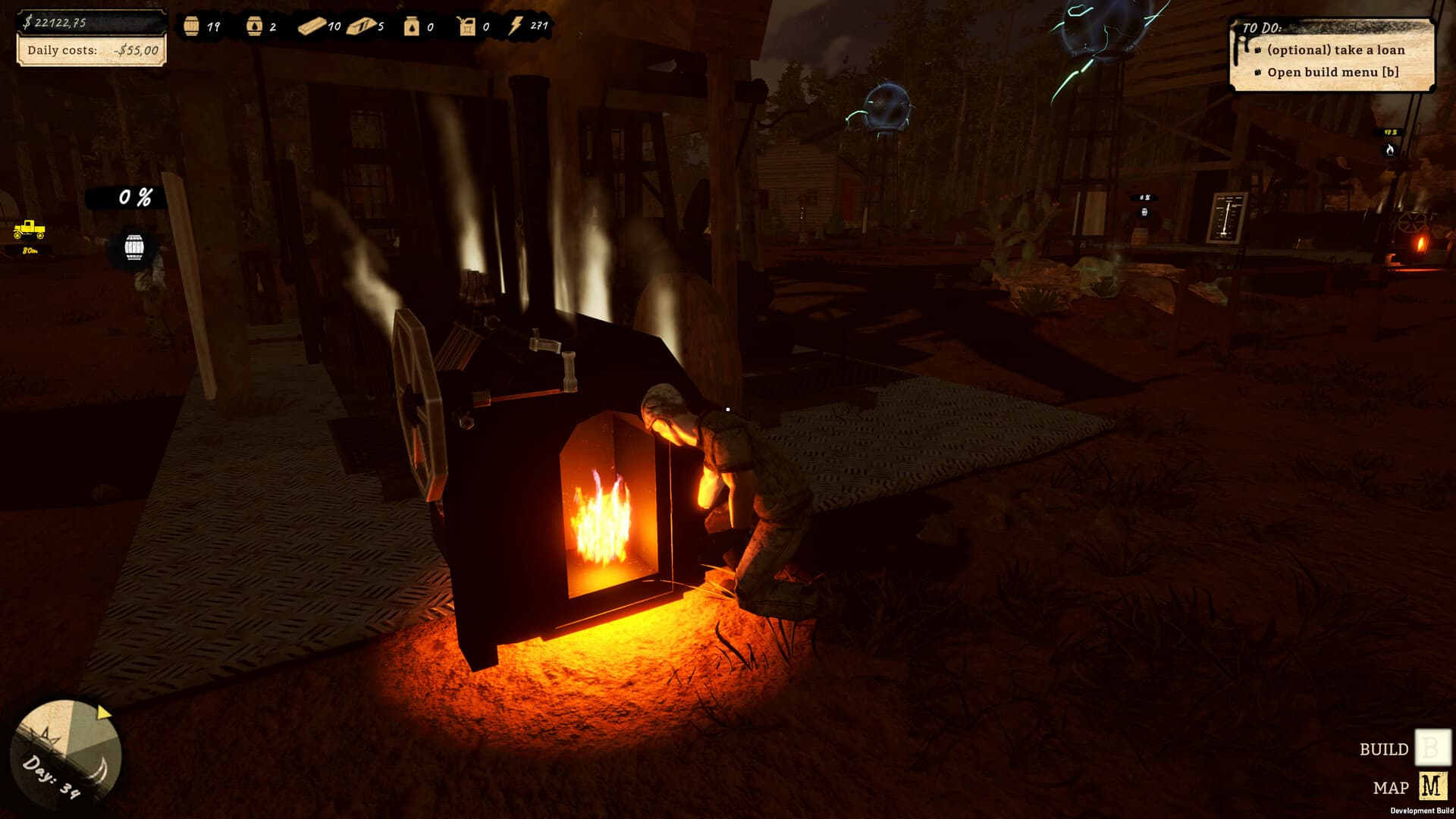
Machine Connections Troubleshooting
Machine connections were made easier and more reliable in 1.0.1. The developer does not specify a new snap radius, pipe length or connection order. For a failed connection, check placement and the two visible endpoints before changing service parts. Retest a previously awkward pair after the update and distinguish failure to connect from a connected machine that lacks an input.
The field decision
Machine connections were made easier and more reliable in 1.0.1. The developer does not specify a new snap radius, pipe length or connection order. For a failed connection, check placement and the two visible endpoints before changing service parts. Retest a previously awkward pair after the update and distinguish failure to connect from a connected machine that lacks an input.
Official current-build and patch facts are cited below. Suggested checks are editorial guidance; historical demo sources retain their original dates.
Quick facts
- Connections are officially described as easier and more reliable.
- No exact tolerance or reach is published.
- New placement spots are a separate improvement.
- A successful connection does not itself prove output is flowing.
What to record if it still happens
For machine connections troubleshooting, keep the observation narrow: the installed version, affected object, state before the action and result afterward. A screenshot can establish a displayed requirement; a short clip is better for a routing or timing problem. Separate what you saw from what you think caused it. The checks above organize a report and do not claim to repair a save.
Walkthrough
- 01
Confirm the starting point
Identify the two intended endpoints before attempting the connection.
- 02
Check the relevant condition
Inspect the current build’s placement feedback for obstructions or an unsupported position.
- 03
Make the comparison
Confirm the connection remains after stepping away, then inspect output.
- 04
Verify the outcome
If the same pair still fails, record both machine types and placement in a clip.
Read the system before acting
| Situation | Meaning | Next action |
|---|---|---|
| Cannot connect | Connection interaction improved | Check endpoints before maintenance |
| Older build | Patch behavior may be absent | Update before reproducing |
| Current build, same symptom | A recurrence needs new evidence | Record version and a focused clip |
| Unknown numerical value | The announcement gives no coefficient | Use measured inputs, not guessed constants |
Common mistakes
- Treating a dated source or individual report as a guarantee for every installation.
- Making a purchase or irreversible save change from a claim the cited source does not establish.
Official current-build and patch facts are distinguished from suggested checks. Last source review: 2026-09-13.
Frequently asked questions
What should I check first for machine connections troubleshooting?
Identify the two intended endpoints before attempting the connection.
What is the evidence and build context?
Reviewed 2026-09-13 against the cited sources; latest verified patch 1.0.1. Suggested checks are editorial guidance, not a claim of hands-on testing.
Sources
- Black Gold: Oil Drilling Simulator on Steam ↗
Official released full-game listing. Release, US price, full-game requirements and partial controller support rechecked. Prices are dated snapshots.
Checked 13 September 2026 · verified-official - Official Patch Notes 1.0.1 — 11 September 2026 ↗
Latest patch observed in official update stream. Checks below are editorial troubleshooting, not claims of hands-on testing.
Checked 13 September 2026 · verified-official