
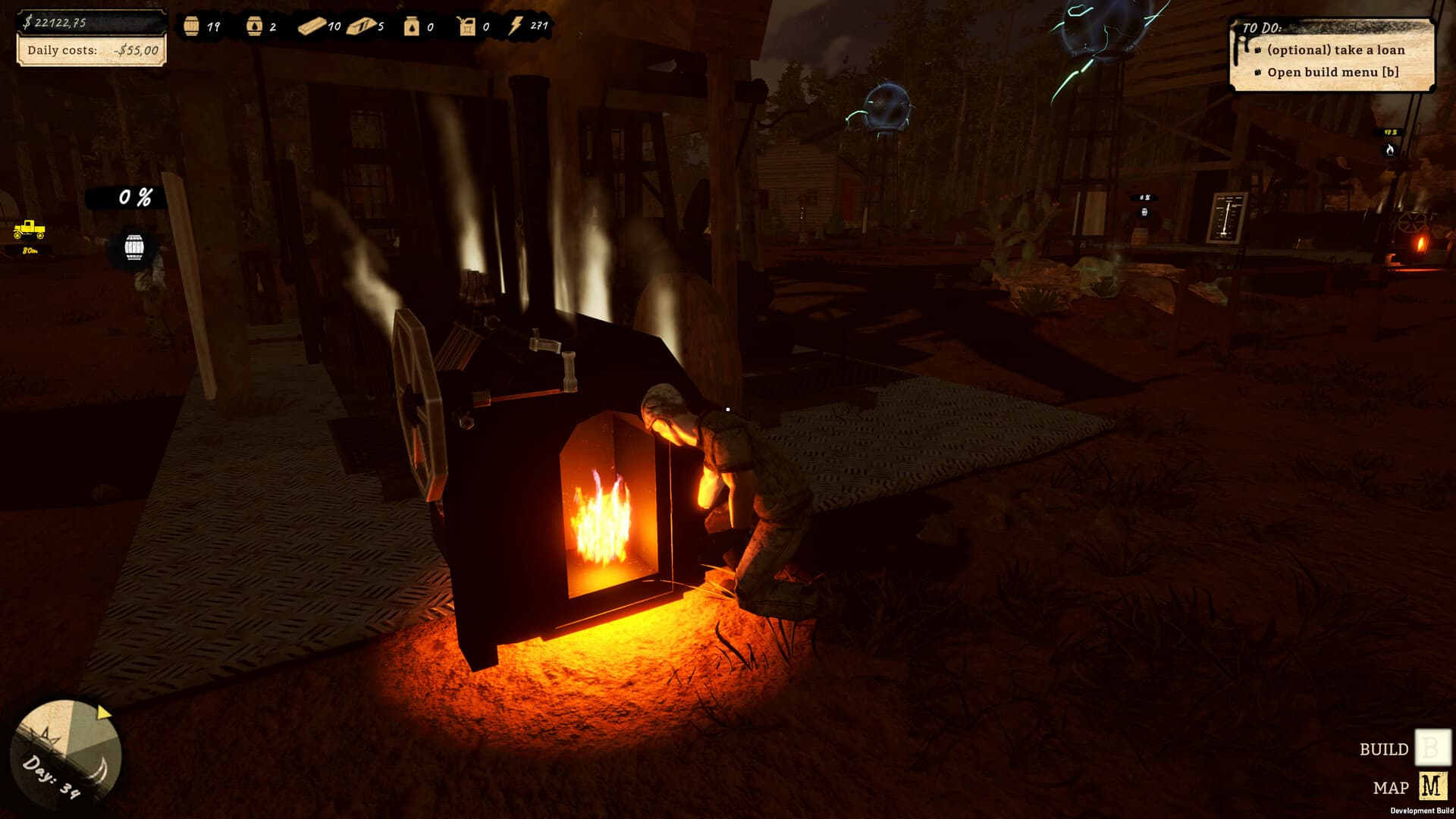
Machine Placement and Production Layouts
Patch 1.0.1 adds more machine placement spots, giving production layouts additional options. It does not announce free placement everywhere or an exact count of new locations. Revisit the build menu and preview a candidate position before hauling resources. Preserve a clear servicing and transport route instead of filling every new spot just because construction is available.
The field decision
Patch 1.0.1 adds more machine placement spots, giving production layouts additional options. It does not announce free placement everywhere or an exact count of new locations. Revisit the build menu and preview a candidate position before hauling resources. Preserve a clear servicing and transport route instead of filling every new spot just because construction is available.
Official current-build and patch facts are cited below. Suggested checks are editorial guidance; historical demo sources retain their original dates.
Quick facts
- Additional placement spots were added.
- Exact counts and coordinates are not published.
- Connection reliability also changed in this patch.
- A valid spot is not a guarantee of a useful production layout.
What to record if it still happens
For machine placement and production layouts, keep the observation narrow: the installed version, affected object, state before the action and result afterward. A screenshot can establish a displayed requirement; a short clip is better for a routing or timing problem. Separate what you saw from what you think caused it. The checks above organize a report and do not claim to repair a save.
Walkthrough
- 01
Confirm the starting point
Preview available spots in the active build rather than relying on an older map image.
- 02
Check the relevant condition
Choose a candidate that preserves access to machine boards and delivery routes.
- 03
Make the comparison
Check intended connection endpoints before committing materials.
- 04
Verify the outcome
Compare the completed layout with storage and sale paths before adding another machine.
Read the system before acting
| Situation | Meaning | Next action |
|---|---|---|
| No valid spot | More locations available | Recheck current placement preview |
| Older build | Patch behavior may be absent | Update before reproducing |
| Current build, same symptom | A recurrence needs new evidence | Record version and a focused clip |
| Unknown numerical value | The announcement gives no coefficient | Use measured inputs, not guessed constants |
Common mistakes
- Treating a dated source or individual report as a guarantee for every installation.
- Making a purchase or irreversible save change from a claim the cited source does not establish.
Official current-build and patch facts are distinguished from suggested checks. Last source review: 2026-09-13.
Frequently asked questions
What should I check first for machine placement and production layouts?
Preview available spots in the active build rather than relying on an older map image.
What is the evidence and build context?
Reviewed 2026-09-13 against the cited sources; latest verified patch 1.0.1. Suggested checks are editorial guidance, not a claim of hands-on testing.
Sources
- Black Gold: Oil Drilling Simulator on Steam ↗
Official released full-game listing. Release, US price, full-game requirements and partial controller support rechecked. Prices are dated snapshots.
Checked 13 September 2026 · verified-official - Official Patch Notes 1.0.1 — 11 September 2026 ↗
Latest patch observed in official update stream. Checks below are editorial troubleshooting, not claims of hands-on testing.
Checked 13 September 2026 · verified-official